

Why the INE report fails
The INE report (Hotel Occupancy Survey, EOH) gathers where the guests staying during a period come from, plus some property data. If any of this data is missing, the system can’t generate the XML: when you click Generate report nothing downloads and the app doesn’t show any message.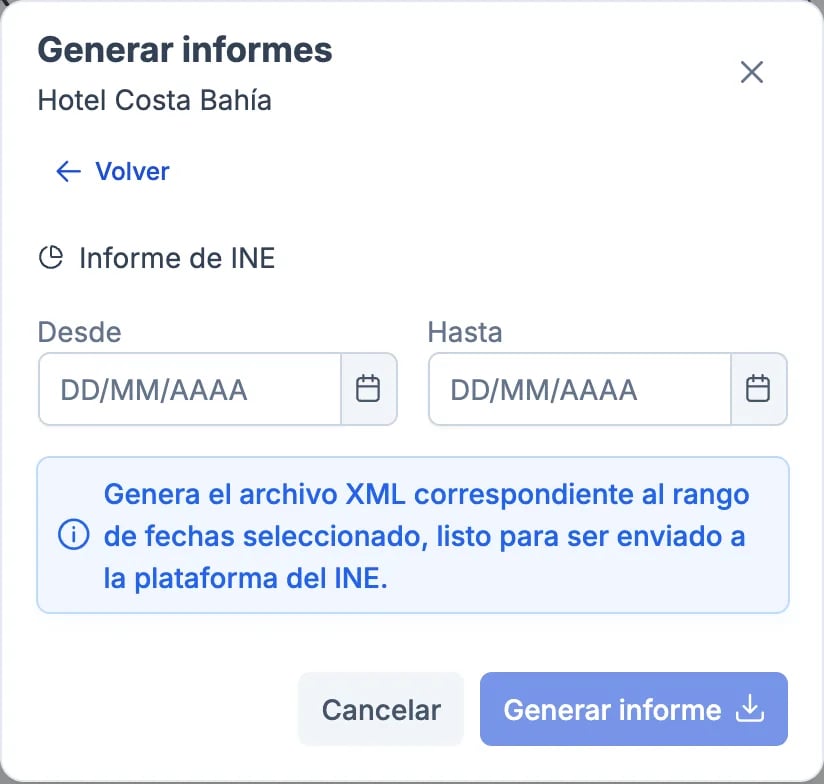
- Guests without a country of residence on their record.
- Guests resident in Spain without a province.
- Incomplete property data: tourism registration number, category, beds, address or phone. Support sets this up; see Configure INE for a new property or year change.
- Beds configured below the capacity of your rooms, for example after adding rooms.
Before generating: check the check-ins
The report is built from check-ins, not from reservations. Before generating it, make sure that:- Every stay in the month has its check-in done. Reservations without check-in don’t count towards arrivals, overnight stays or occupied rooms. If there isn’t a single check-in in the whole month, the file has no guests and IRIA rejects it.
- Every guest has a country of residence and, if they live in Spain, a province.
- All guests are registered, children included. For the INE, everyone who stays overnight counts as a traveller, whatever their age. If there are cots or extra beds, add them to the reservation as an extra bed so the file declares them.
What to do
1
Note the period
Write down the dates of the report you were trying to generate (from/to).
2
Contact support
Send us:
- Property name
- Report period (from/to)
3
While we fix it, don't submit the broken report
If INE is waiting for it, flag it as urgent so we prioritise. The deadline matters to avoid penalties.
What we do from support
- Identify which guests in the period have incomplete data or which property detail is missing
- Send you the list to complete with what’s in your records (ID copies, check-in logs)
- Once the records are updated, generate the clean report