Before you start: To complete the EOH (Hotel Occupancy Survey), you need to receive an official communication from INE with the data needed to fill it in. The communication, which may arrive by email or letter, contains an order number and a password.
Steps to complete the hotel occupancy survey with Roomdoo
1
Receive the INE notification
You’ll receive a communication from INE with the order number and a password. It can arrive by email or letter, asking you to send occupancy data for specific dates. Send it as soon as possible to avoid penalties and to fix any errors in time.
2
Open the INE site
Go to the INE EOH report page and enter the order number and control digit (DC) you were given.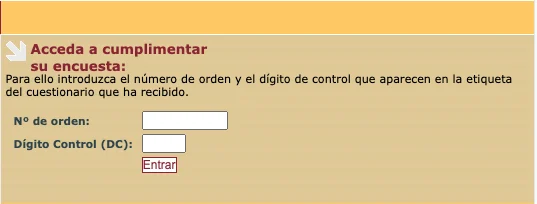
3
Upload data to the INE platform
Inside, add a valid email for your hotel. In the right section, click “BROWSE” and upload the XML file with the requested data.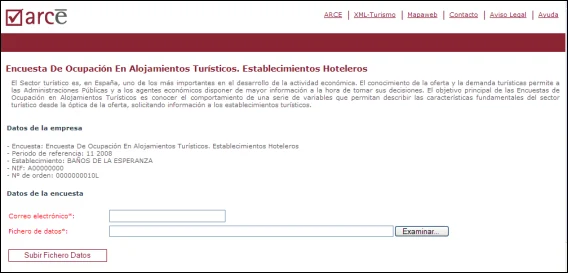
4
Generate the XML file from Roomdoo
- With the right hotel selected, open the Roomdoo planning.
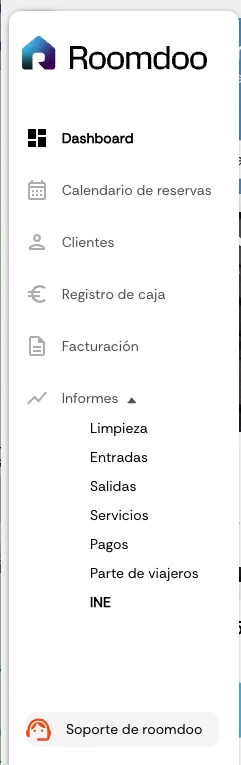
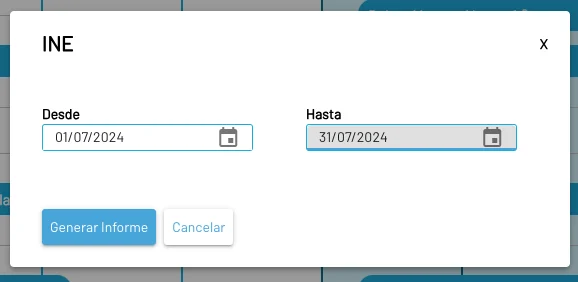
- In the side menu, under “Reports”, click on the “INE” report.
- Pick the specific dates requested and click “Generate report”.
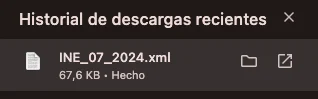
- Download the report and save it to your computer.
5
Upload Roomdoo's XML to the INE
- On the INE platform, upload the file generated by Roomdoo.
- Wait a few seconds and all the information will load.
- To finish, go to the “Price and Staff” tab and click “Send form”.
- At that point a validation runs and, if anything is off, the errors show on screen. Until they’re fixed, the file won’t be submitted. Example of a successful validation:
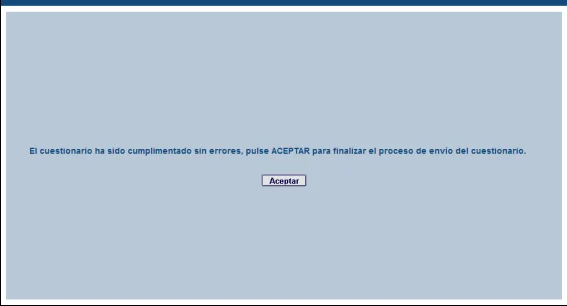
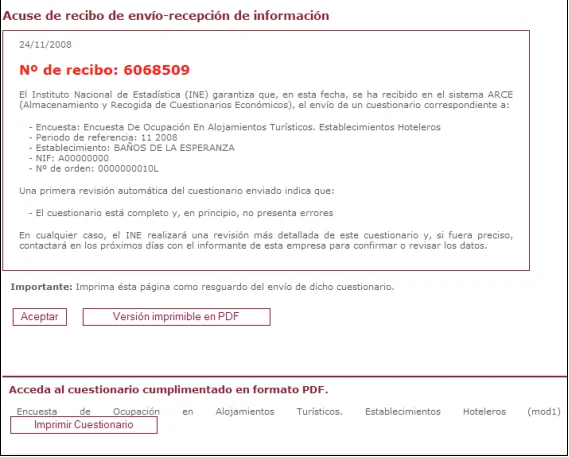
- Clicking “Accept” gives you the submission receipt confirming the file was sent successfully.
6
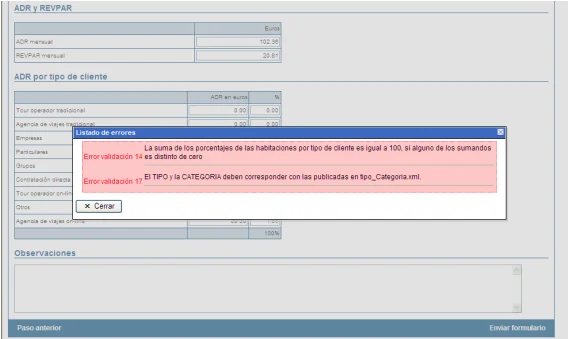
Error correction and validations
If there are errors in the file, they’ll show on screen when you try to send it. Fix them and try again. Once the file is correct, click “Accept” to receive the submission receipt. Example of an error notice: