

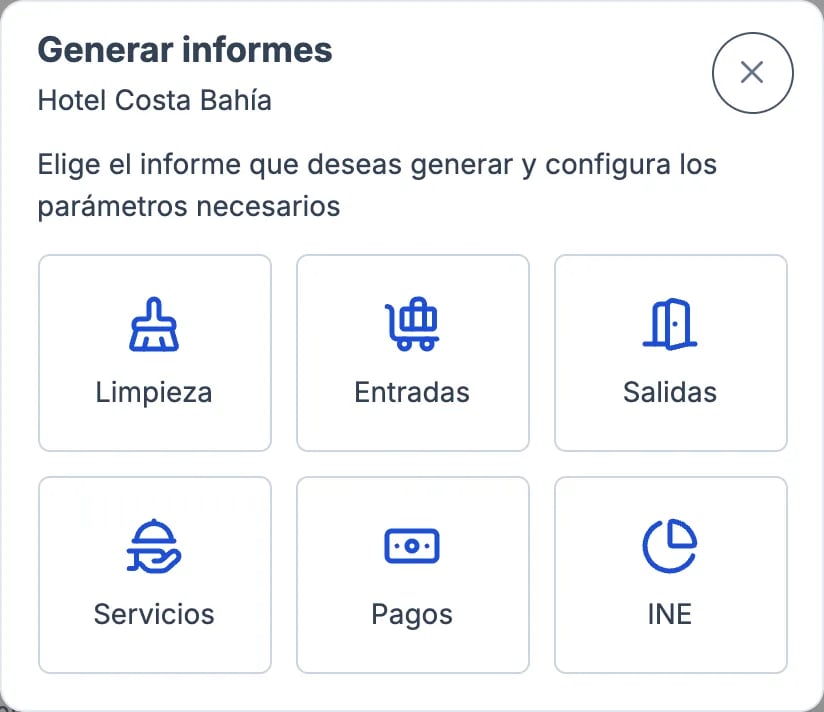
What each report includes
The Services report also includes the board (breakfast, half board…) and the tourist tax, because in Roomdoo they’re services. It doesn’t include cancelled reservations.
For the INE report, follow the guide Export data for the INE occupancy survey (EOH).
Other common lists
If you need a report that isn’t here (for example, occupancy or average price for a period), contact support.