

How to set and update rates in Roomdoo
This video walks you through rate changes, restrictions, and availability:
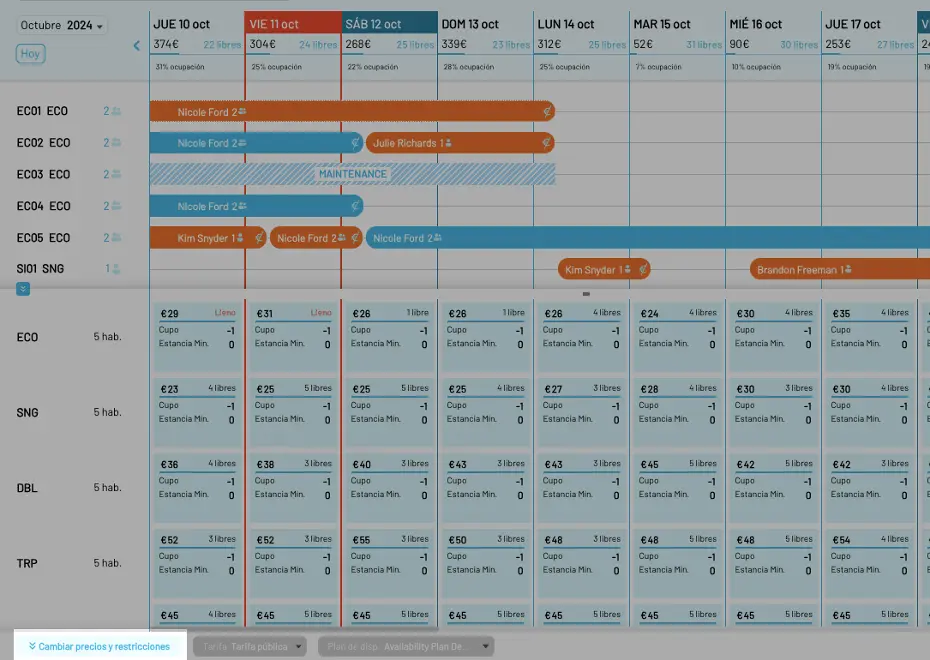
To update room prices and availability restrictions in Roomdoo, open the option at the bottom-left of the calendar by clicking Update prices and restrictions.
A panel opens showing the property’s room categories for each day in the calendar.
For mass updates to rates, see our guide on restrictions and availability plans.