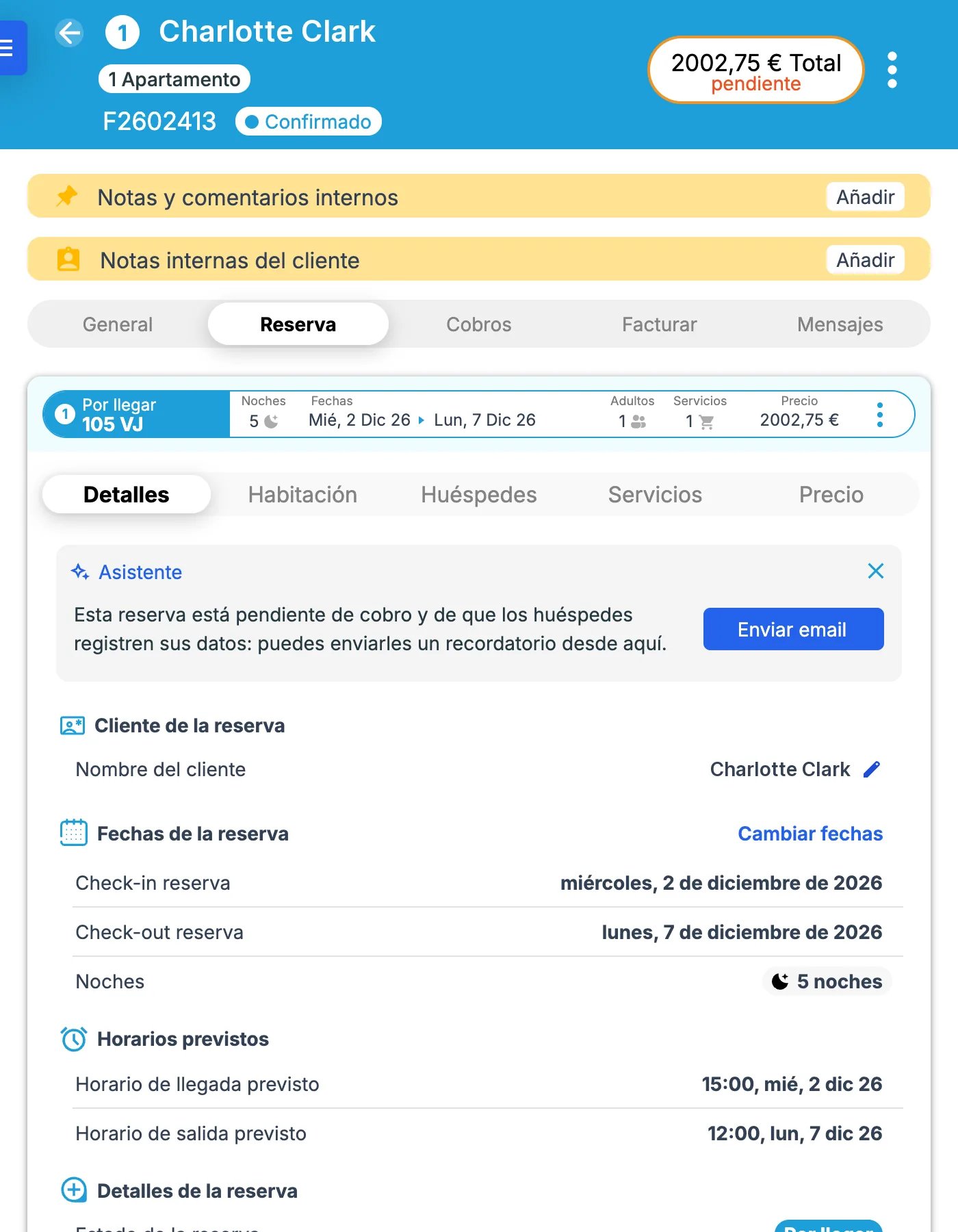
- The reservation number is the folio number followed by a slash and the reservation’s position inside the folio:
folio-number/reservation-numberFor example: “F2500973/1” (folio F2500973, created in 2025, first reservation in the folio)The folio number format depends on your property’s settings, so it may use a different prefix or format.
- A reservation always sits inside a folio (booking file).
- A folio is a group of reservations. Those reservations can come from the same sales channel or from different channels.
- Every reservation — whether a single one or a multi-room booking under the same guest — belongs to a folio.