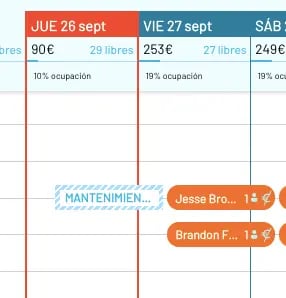
Create blocks in Roomdoo to pull rooms from sale due to maintenance, cleaning or revenue reasons, and see how they show on the calendar.
Blocks are for exceptional cases — a serious issue that prevents selling a room, a room that can’t be cleaned in time, or revenue-management reasons.
To create a block in Roomdoo, when you start a new reservation pick “Out of service” instead of “Normal” and add more detail in the description if you want.As with a normal reservation, you pick dates and rooms and save.