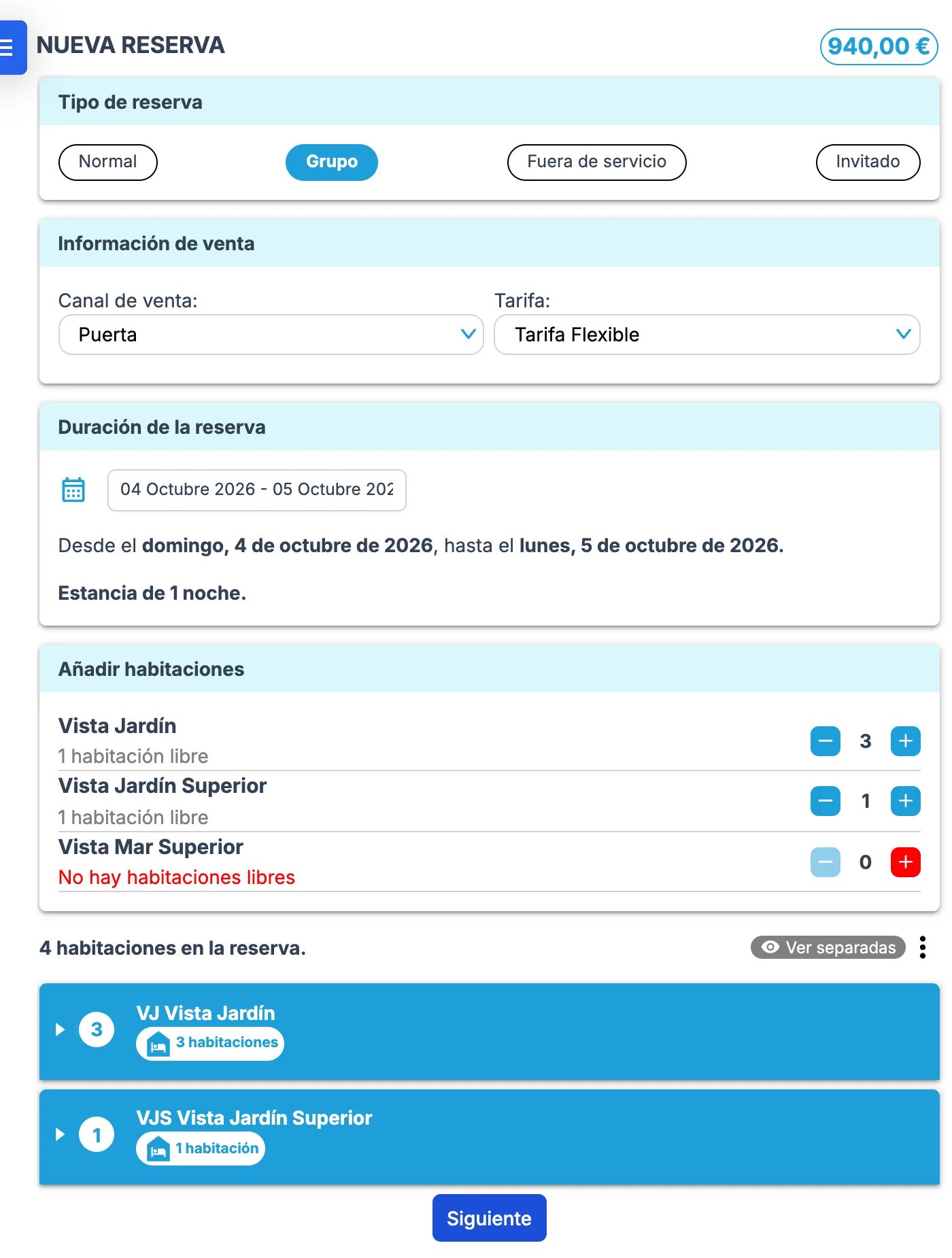
In Roomdoo, a group is a reservation (a single folio) with several rooms; there’s no minimum number. The flow is the same as a normal reservation, but after clicking New reservation in the top-right of the calendar you pick Group, which shows the room selection grouped by category so you can pick many at once. Once saved, it’s a normal reservation with several rooms. Then fill in:
  • The sales channel the reservation came from (and the agency, if it’s an agency channel).
  • The rate that applies.
  • Check-in and check-out dates.
  • The rooms in the group.
New Group reservation with sales channel, rate, dates and several rooms of two categories added
From here, continue as you would for a normal reservation. See the guide on how to create a reservation in Roomdoo for the full flow.

More on managing reservations