

If the check-out date has passed, the customer has paid, and no proforma has been issued yet, here’s how to create the invoice in Roomdoo:
- Open the reservation from the calendar or by reservation number.
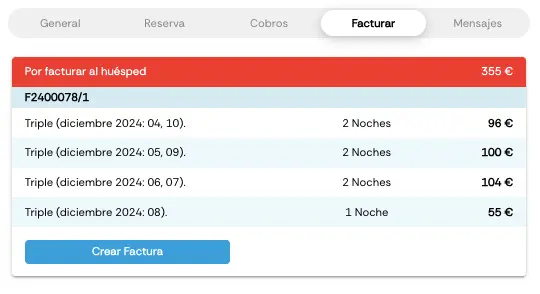
- Click the Invoicing tab → Create invoice.
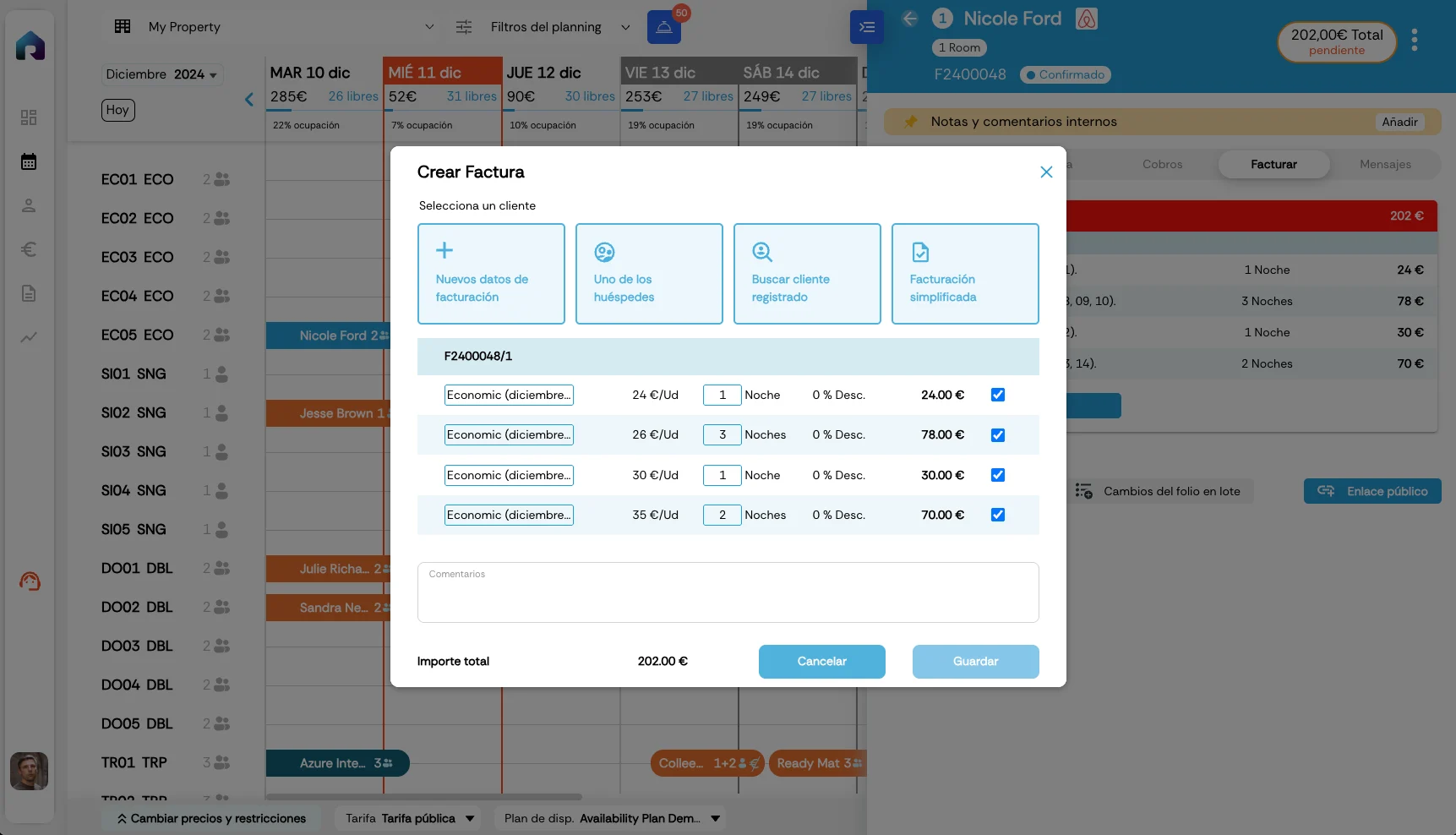
- If the customer is already on file, type their ID number and they appear automatically. If they’re not on file or the invoice is in someone else’s name, click Customer and fill in the fields.
- From here you can adjust several things:
- Choose which products to remove from the invoice — those stay pending to be invoiced later.
- In the comments box, add anything extra needed on the invoice.
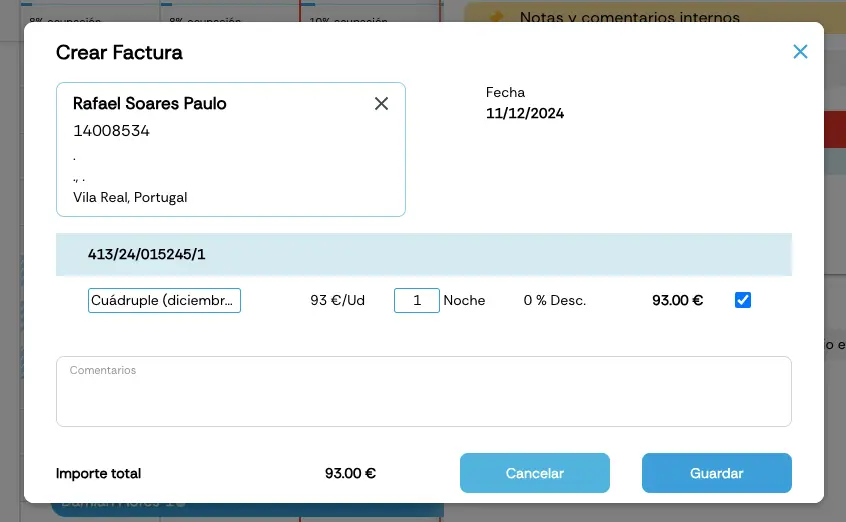
- Click Save and the proforma invoice is issued.
- Once the proforma is created, the Invoicing tab shows the proforma in a black box. At the top, a red box shows what’s still pending to be invoiced.
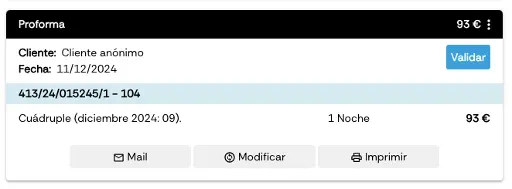
- While the invoice is still a proforma, Roomdoo lets you modify it, email it, and print it.
Once the invoice is issued, you can still make certain changes from Roomdoo using the Modify button on the invoice itself: change the invoiced contact, remove lines or adjust line items. When you save, the system automatically generates a corrective: the credit-note invoice is recorded in Odoo and the new final invoice (with a different sequence number) is the one that stays visible in Roomdoo and gets delivered to the customer.Some changes do require support — for example, changing the room-night amount when the invoice was issued at the wrong price. For those cases, get in touch with our team. See Modify invoice details and Correct an invoice.
- When the check-out day arrives, opening the Invoicing tab shows a Validate button on the proforma’s black box. Clicking it turns the box blue, with an invoice number attached.
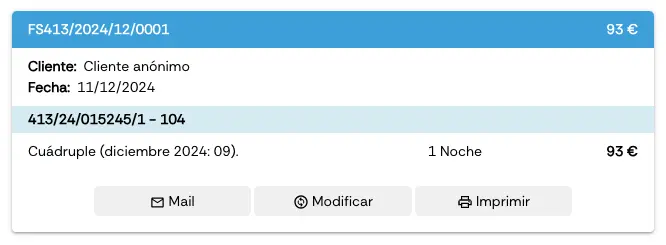
Advance invoices
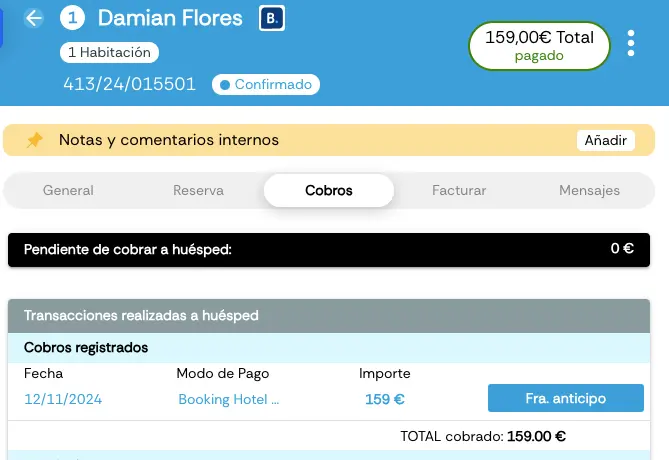
Although not generally recommended, Roomdoo can also issue advance invoices — those issued before the check-out date. To create an advance invoice in Roomdoo, the reservation must be paid first. Then:- From the Payments tab, click the Advance invoice button.
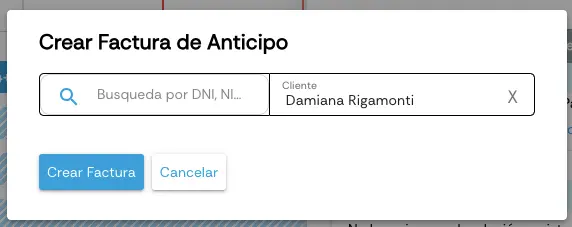
- A panel opens to enter the recipient’s details. Then click Create invoice.
- From the reservation’s Invoicing tab, click Create invoice and follow the normal proforma flow.
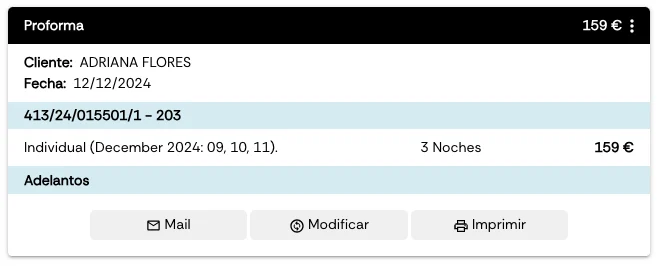
- The proforma will show with the concept advance payments.
You might also be interested in our guide on how to record a payment in Roomdoo.