

What a quote is
In Roomdoo, a reservation in quote is a reservation that holds availability but isn’t confirmed yet. On the calendar it shows in a specific colour to distinguish it from confirmed ones.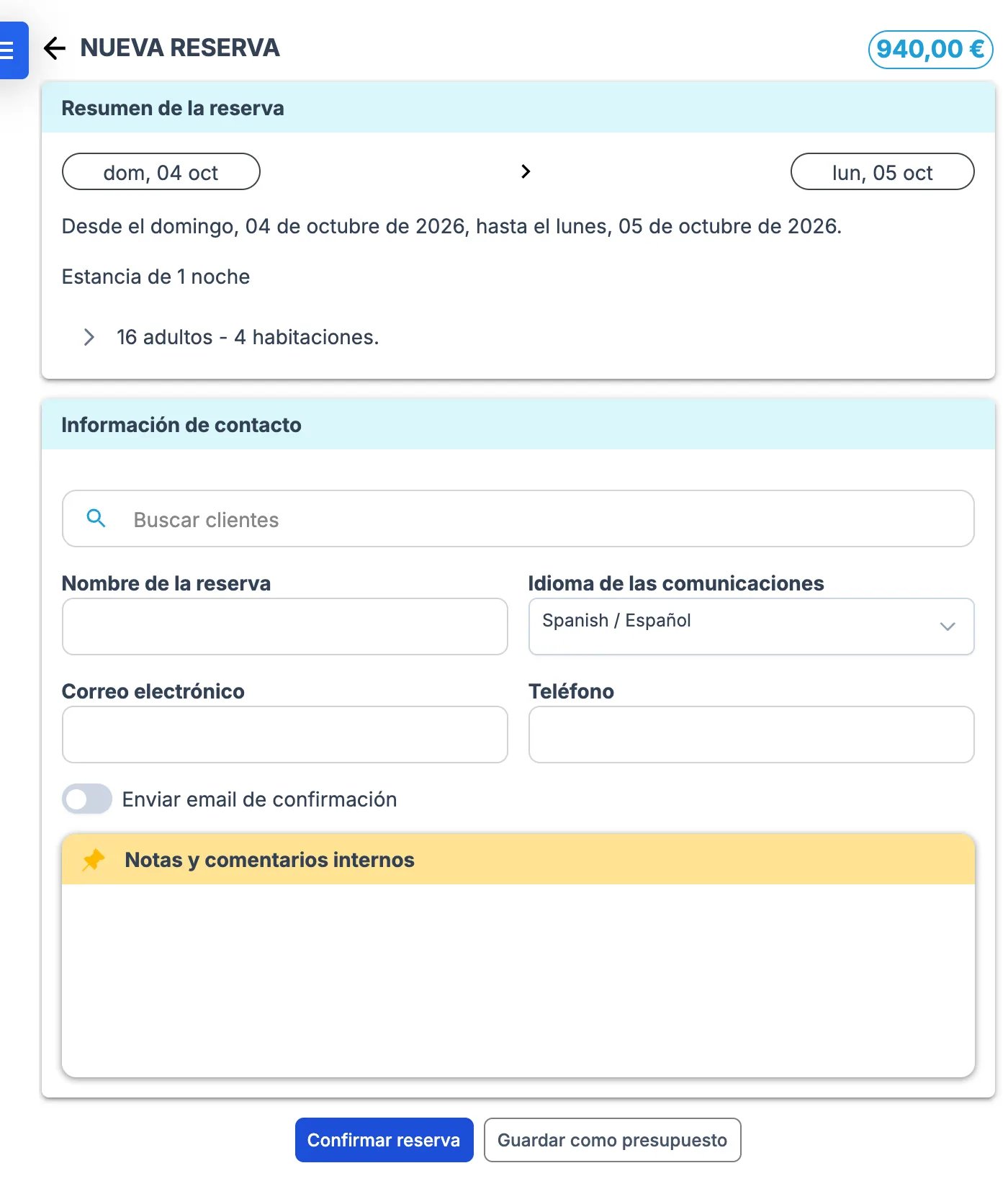
- Hold an option for a customer who hasn’t decided yet
- Block rooms for a group under negotiation
- Generate an economic proposal the guest can accept or decline
Why a quote ends up confirmed
When you create a reservation, Save as draft leaves it in Draft (quote) status. It becomes confirmed in these cases:- Confirm reservation was clicked — the main button right next to Save as draft.
- Confirm Reservation or Confirm Reservations was used in the reservation’s or the folio’s three-dots menu.
- Rooms were added to the folio with Add rooms: the new rooms are created confirmed and the folio becomes confirmed (the rooms it already had stay as a quote). If you want to keep it as a quote, create the proposal with all the rooms from the start.
What to do
Contact support with:- Booking reference of the affected reservation
- Property
- Confirmation that you intended to save it as a quote (not confirmed)
Common cases
I almost always work with quotes before confirming
I almost always work with quotes before confirming
Keep in mind that a reservation in Draft can’t be invoiced: to issue the proforma or the invoice, confirm it first (Confirm Reservations in the folio’s three-dots menu). The behaviour of the buttons can’t be configured.
I checked in a reservation that was still a quote
I checked in a reservation that was still a quote
Checking in doesn’t confirm the quote: the folio stays in Draft and can’t be invoiced. Confirm the reservations before checking in. If you’ve already checked in, contact support to get the folio confirmed.
I need to revert several reservations to quote at once
I need to revert several reservations to quote at once
If it’s happened on multiple reservations in a short time, send us the booking references in bulk. We handle them together.