> ## Documentation Index
> Fetch the complete documentation index at: https://docs.roomdoo.com/llms.txt
> Use this file to discover all available pages before exploring further.
# How to check out a guest in Roomdoo
> How to check out a reservation in Roomdoo on departure day: close the stay and get the room ready for the next sale.
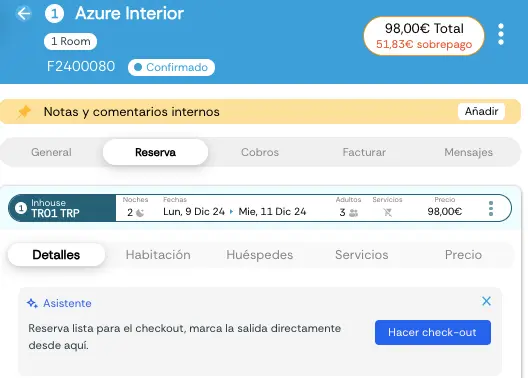
Here's how to check out a guest in Roomdoo:
On the guest's departure day, you can run the check-out in Roomdoo. Open the reservation, go to **Reservation → Guests**, and click **Check out**.
At that point, the reservation status becomes **Completed**.
See here how to [check in a guest in Roomdoo](/en/reservations/check-in).